How to Top up with Virtual Fiat?
TokenSpot offers the following options for topping up your exchange account with virtual fiat:
- Top up using bank transfer
- Top up using the bank mobile app (See Topping up via Wire Transfer)
Please note that the virtual fiat you add to your balance will match the fiat currency you deposit.
Below you will find detailed instructions for each option.
1. Top up Using Bank Transfer
Supported currencies: RUB (only for legal entities)
Fee: 0%
Minimum deposit amount: 10,000 RUB
Important: Only the account owner may deposit money using this option (the sender’s full name must match the account owner’s verified full name). This option is not available for residents of the Russian Federation.
Please note that some banking apps do not offer the option of making a bank transfer using the recipient’s account information. In this case, you can make an in-person bank transfer at your local bank.
You also need to keep in mind that some banks may charge a bank transfer fee.
A bank transfer takes between 1 and 5 working days. You can monitor the receipt of funds to your account using your Wallet.
Log into your account and go to Wallet.
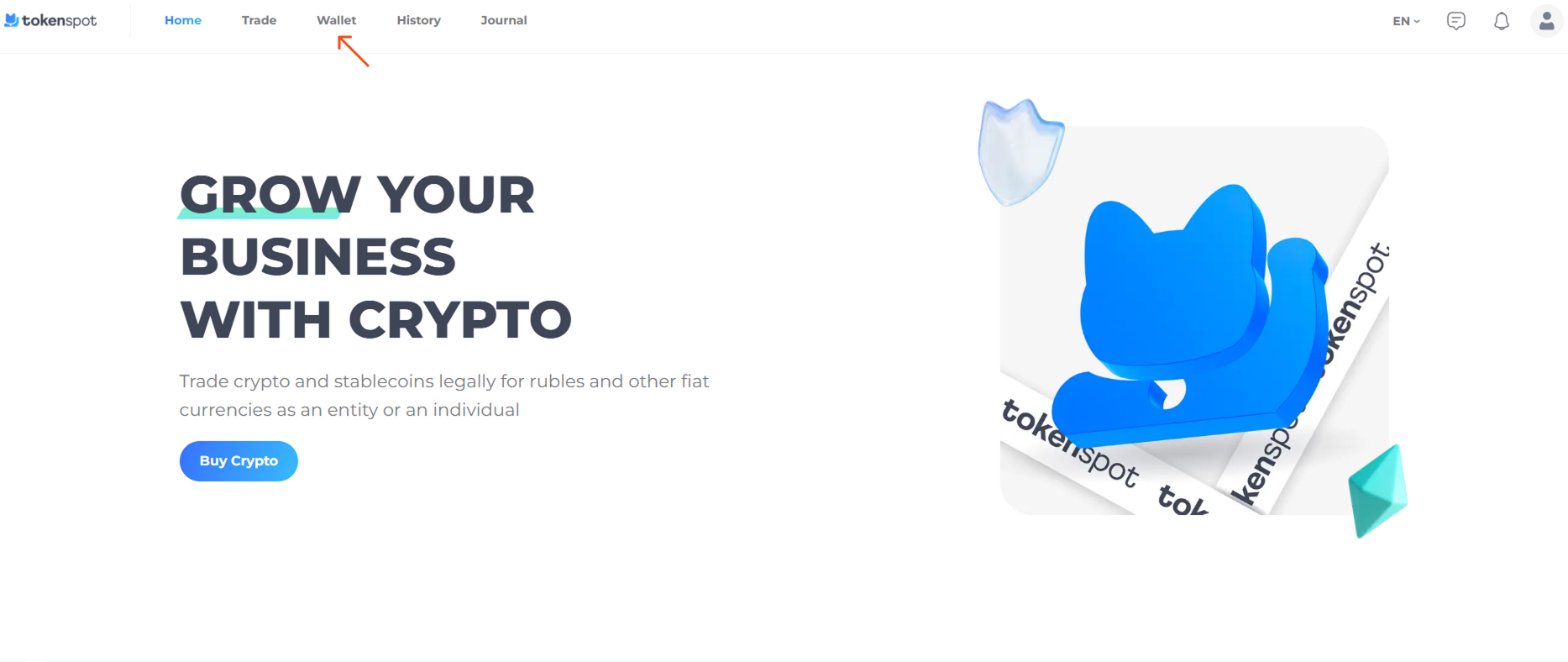
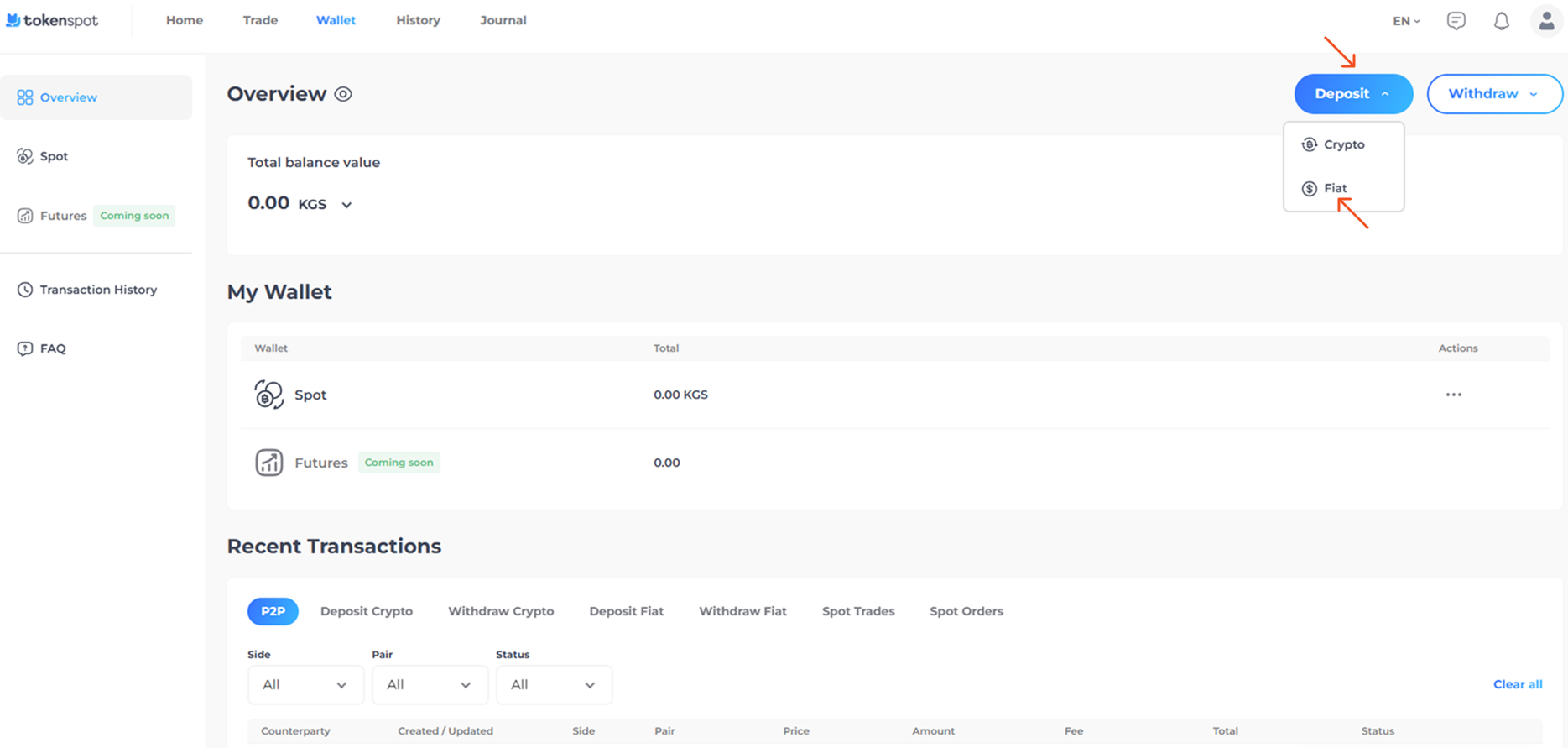
The Wallet page displays the following information:
- Total balance value (in BTC, ETH, KGS, RUB, USDT)
- Your wallet balances (Spot Wallet, Futures Wallet)
- Your account’s transaction history
Tap on Deposit – Fiat.
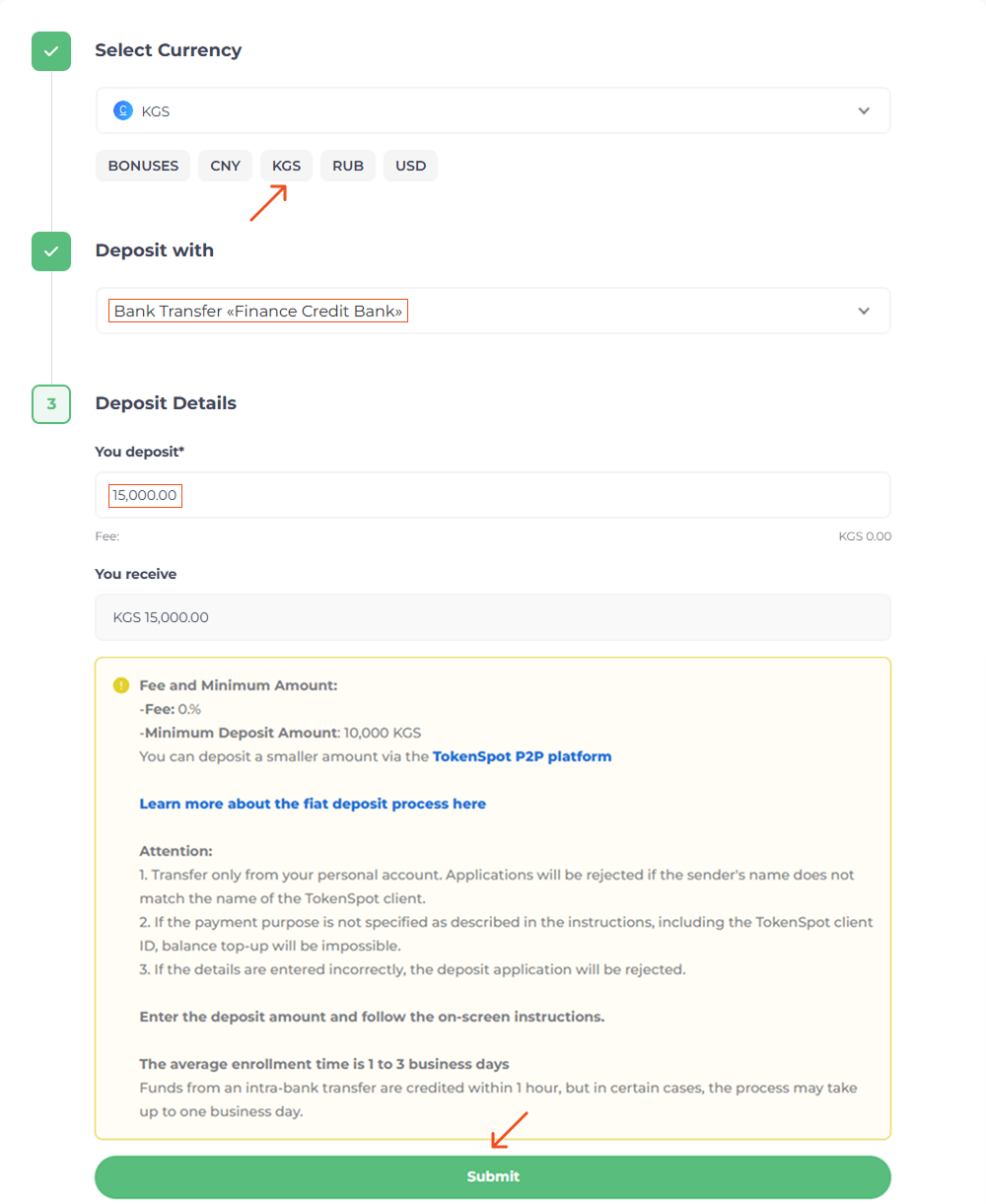
Select the fiat currency you would like to deposit, then select Bank Transfer as your preferred payment option. Fill in the amount of fiat currency you would like to deposit, study the information regarding this payment option and press Submit.
Make sure you check the current fee rate, minimum deposit amount, etc. while filling in the deposit form, or by going to the Fees page (See TokenSpot Fees).
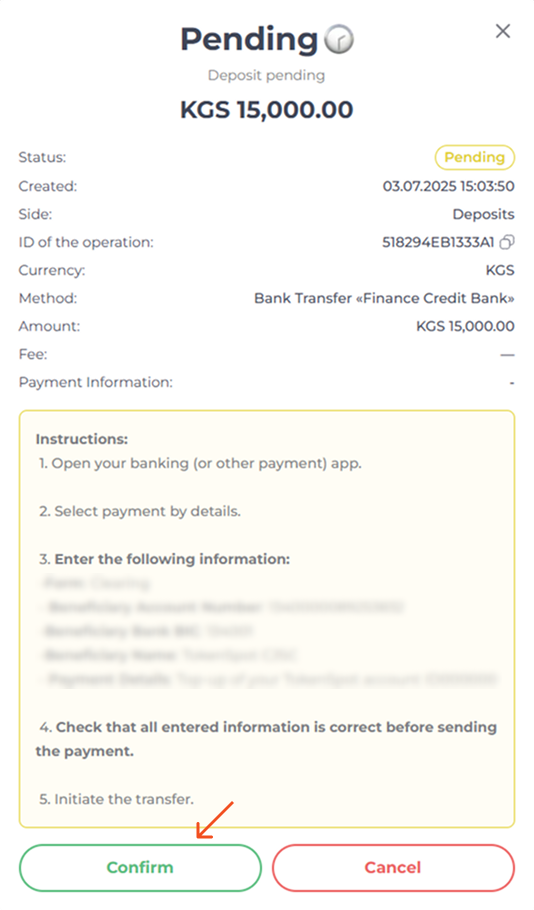
Read the instructions regarding your preferred top-up option. Once you have submitted your bank transfer, press Confirm. Once your transfer has been processed, you will receive a top-up notification from TokenSpot.
2. Top up using the bank mobile app (See Topping up via Wire Transfer)
Wire Transfer with T-Bank (only for individuals)
Supported currencies: RUB
Fee: 1,5%
Minimum deposit amount: 10 RUB