Currency Converter
The Currency Converter is a simple tool for trading assets without using the trading terminal. It is a service that automatically calculates a tentative exchange rate and makes a trade at the current market rate valid at the moment when the transaction is confirmed.
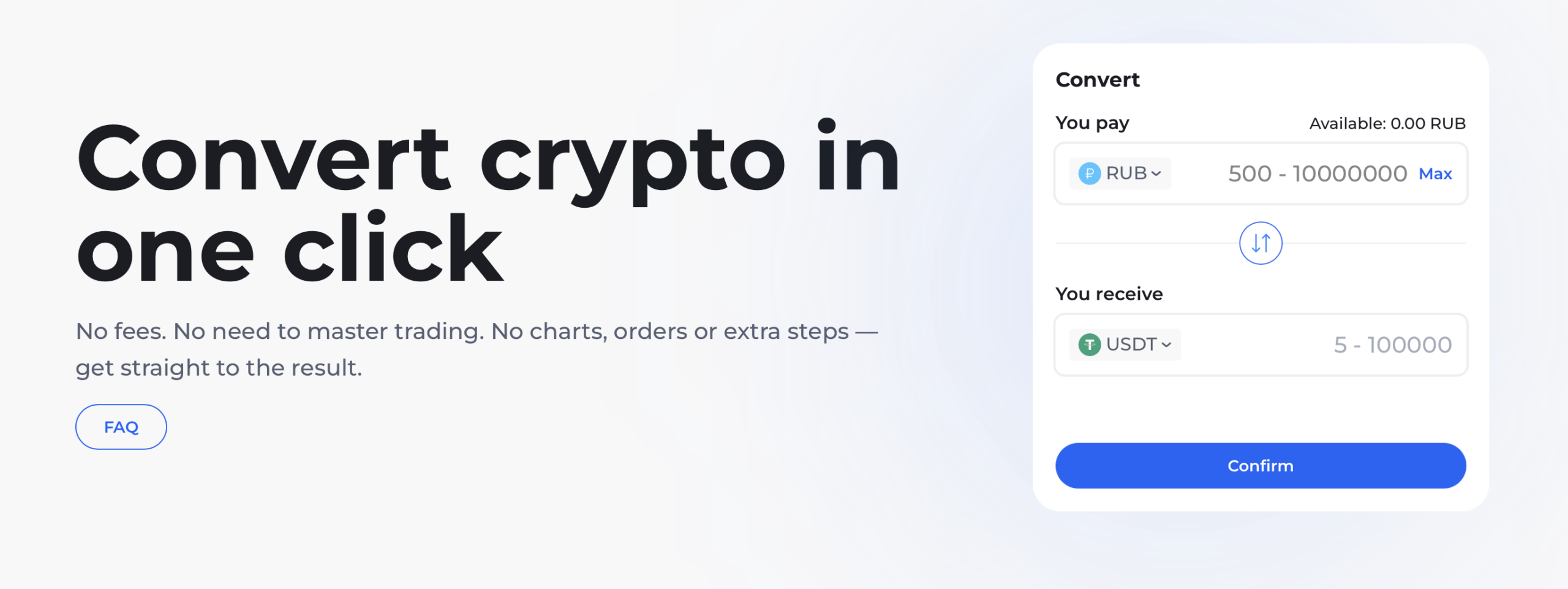
How the Currency Converter Works
To use the Currency Converter:
- Go to Convert
- Select the asset you would like to trade.
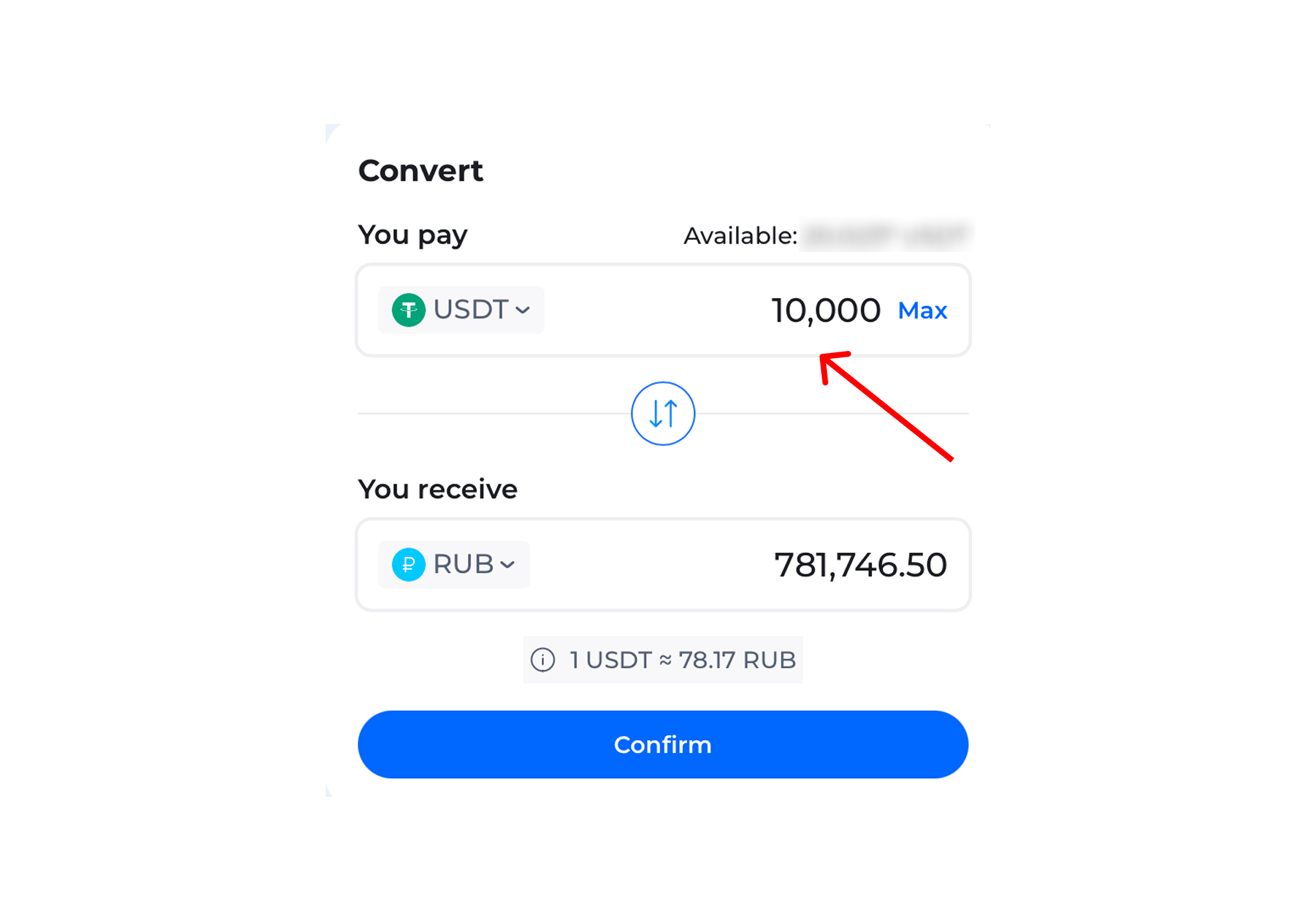
- Enter your trading amount.
- Pick the currency you wish to receive in exchange.
- Find out the tentative exchange rate.
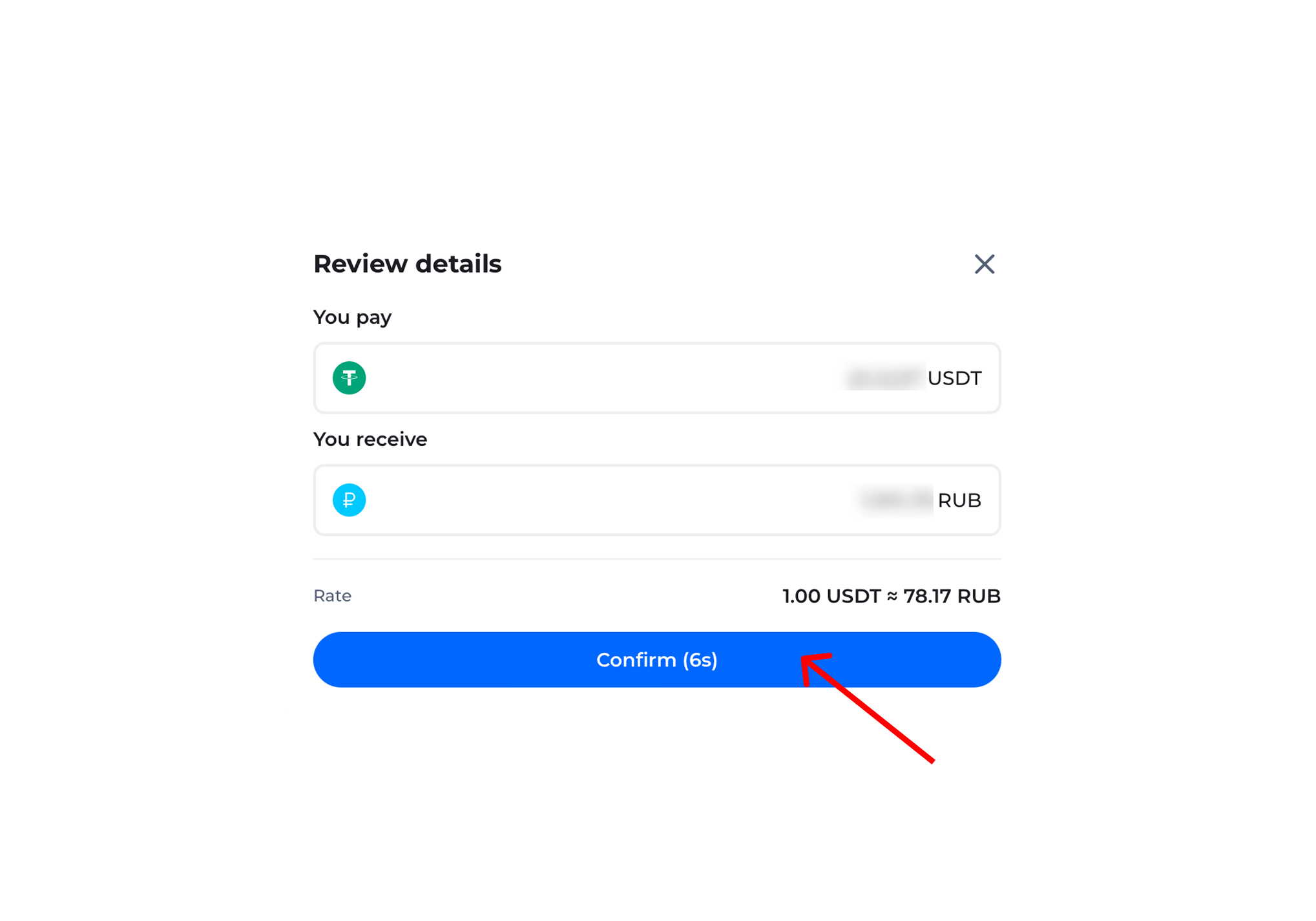
- Confirm the transaction.
Once confirmed, the transaction will be executed automatically.
You can only make conversions between currencies listed in the Converter. The list of available currencies may change depending on the market situation and the availability of trading pairs.
How Exchange Rates Are Calculated
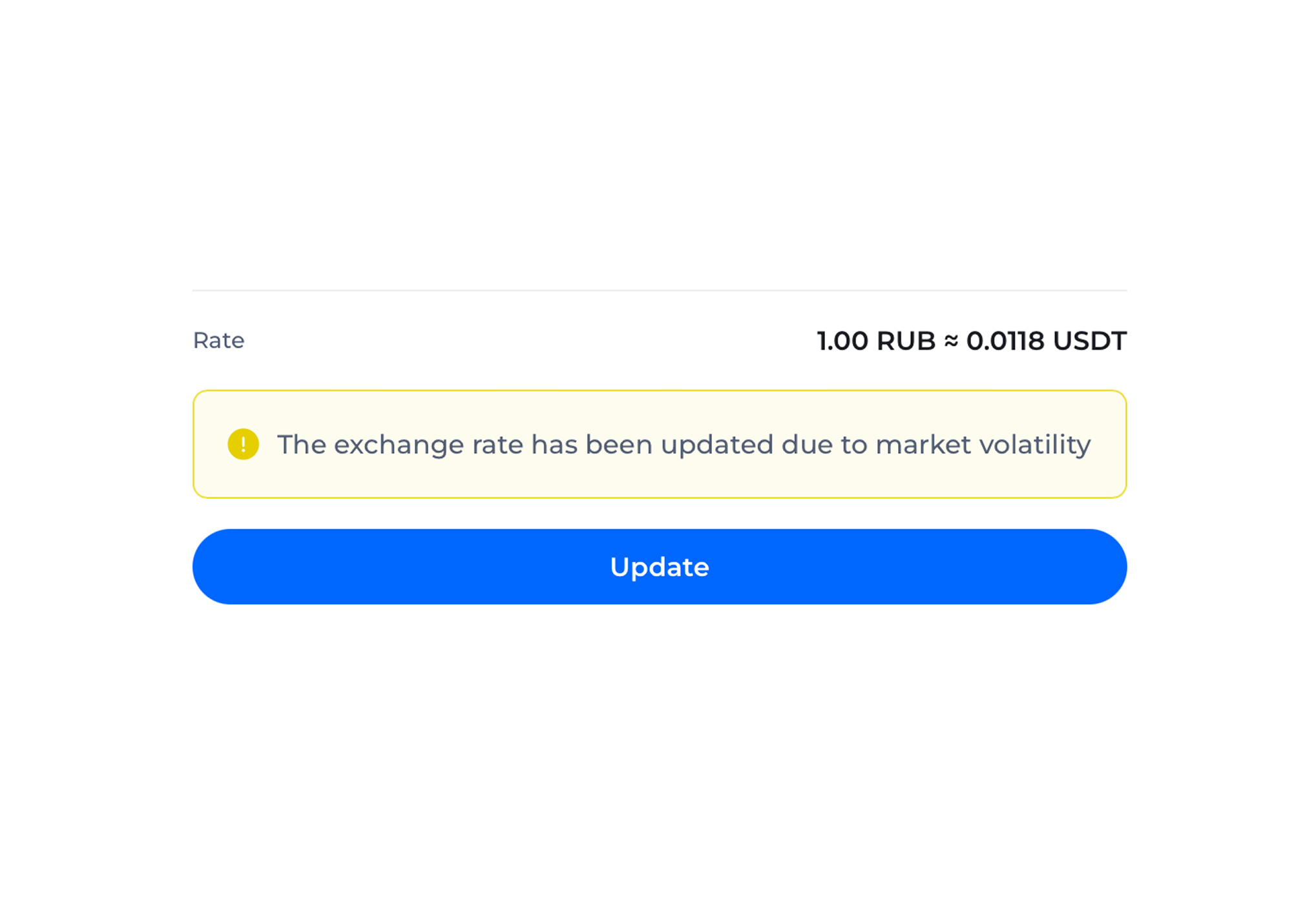
The Converter displays an exchange rate based on the current market situation, and updates it automatically.
In calculating the exchange rate, the Converter factors in:
— current prices in the market,
— volume available for trading,
— your trading amount.
The Converter displays a tentative exchange rate and updates it every 10 seconds until you confirm the trade. It also displays a timer counting down seconds left until the exchange rate gets updated.
The actual trading rate may be different from the tentative exchange rate displayed by the Converter in case the market rate moves in the meantime.
Trading Terms and Conditions
Using the Converter is free of charge.
A trade is made automatically at the current market rate valid at the moment of the transaction execution.
In some cases, asset availability and the maximum trading amount may change depending on market liquidity and on the assets you wish to trade.
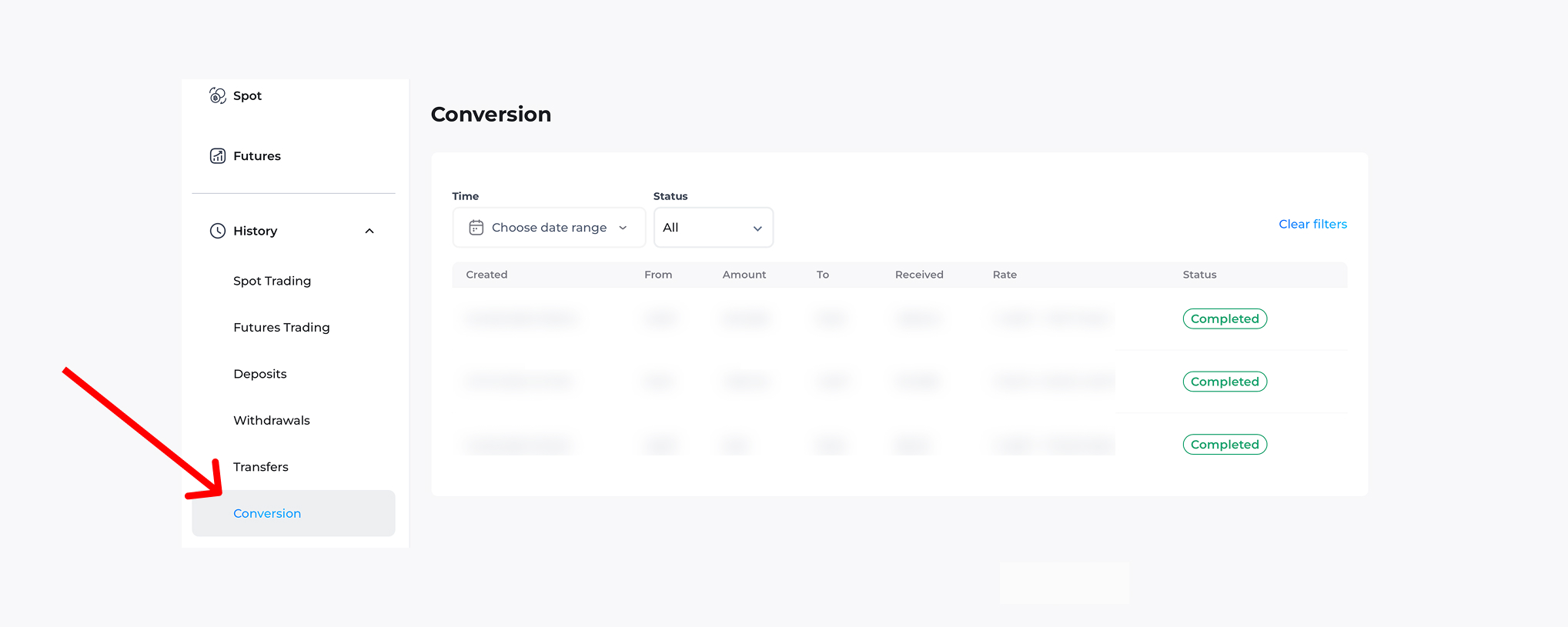
Once the trade has been executed, your Conversion History will display:
— transaction date and time,
— base currency,
— base currency amount,
— target currency,
— target currency amount,
— actual exchange rate,
— transaction status.
Important
Once you confirm the trade, the transaction is executed automatically and cannot be cancelled.
Carefully check the following before you confirm the transaction:
— base currency,
— target currency,
— traded amount,
— tentative exchange rate.
Should you have any questions or issues, please contact our 24/7 Customer Support team using any available communication channels, including our onsite chat widget, our Telegram bot @tokenspot_support_bot, and email: support@tokenspot.com.